Enroll to Add-On Class after the transaction completed.
Add-On Class Enroll : Click on Class name, to open a class show page. Click on the Enroll button near the Add-On Class.

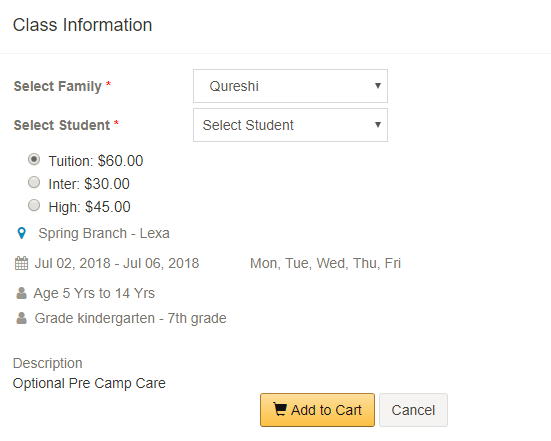
Prerequisite to this is student should be enrolled to the main class before enrolling to the Add-On Class. Select the family name and the student name from the drop down.
Select the tuition type fee option and click Add to Cart.
The Add-On Class will be added to the cart and admin or family can proceed with the payment.

